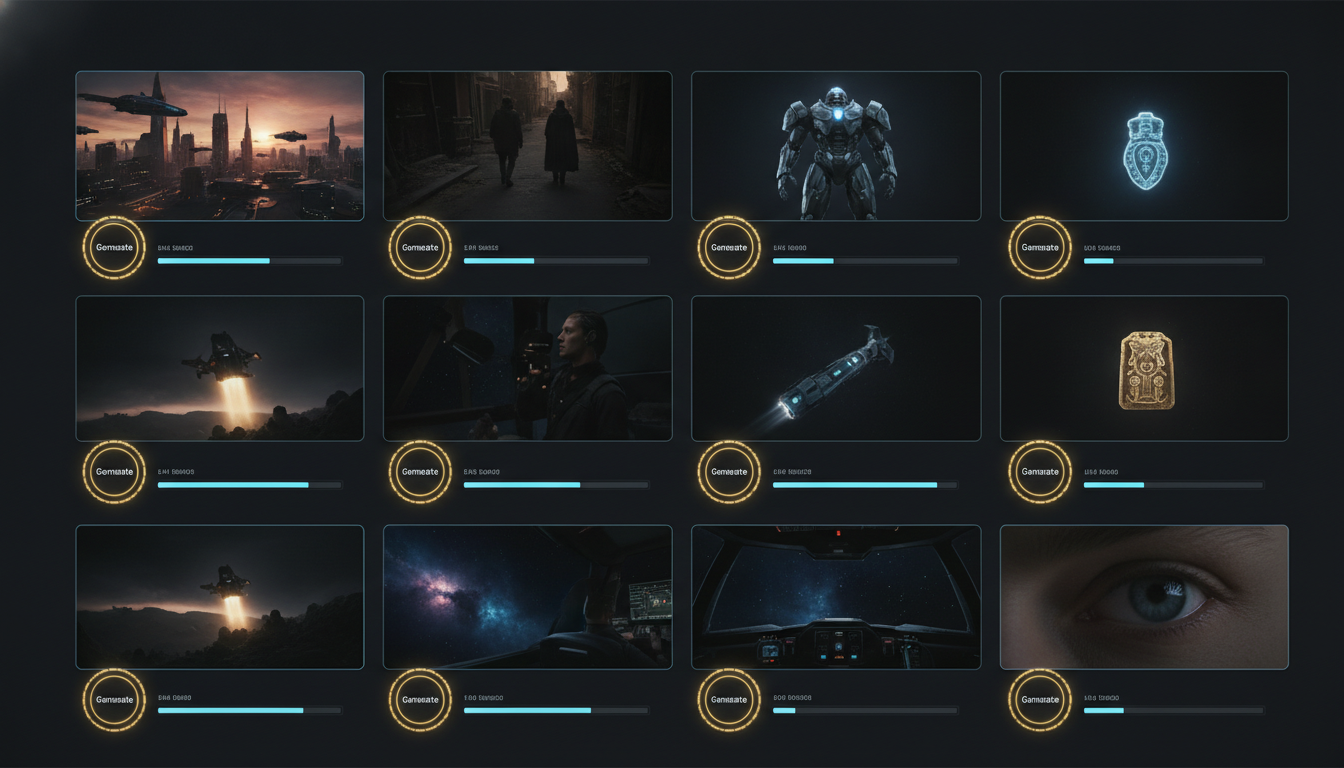
The AI Video Tool Stack Trap: Why 5 Tools Is Worse Than 1
Most creators run five or more AI tools for a single reel. Here's why it's costing you hours per week, why enterprises are already consolidating, and why one workflow beats a stack every time.

Open the tabs currently running on your browser. Count how many are for making a single reel.
Most creators land somewhere between five and seven. One for the script. One for the voiceover. One for the B-roll library. One for the editor. One for captions. One for scheduling. Sometimes one more for stock clips when the library falls short.
This is not a workflow. This is a job. And it is quietly eating the time you thought AI was supposed to save.
The 30-tab problem
In conversations with over a hundred creators earlier this year, one specific pain point came up more than any other. Thirteen creators used almost identical language to describe it. Chaos. Overwhelm. Too many tools open at once.
One creator put it directly: 30 tabs open workflow chaos. I want centralized editing plus captions plus resizing plus B-roll in one place.
The problem is not any one of these tools. Each of them does its specific job well. The problem is that no single creator's workflow was designed to move smoothly across five to seven different tools per reel. The switching itself has a cost. Every tool break is a moment where attention resets, credentials get re-entered, and the specific mental context of what you were doing evaporates.
If you have ever sat down to edit a reel and looked up two hours later without having actually finished it, this is the reason. The tools were not the problem. The gaps between them were.
The hidden cost nobody adds up
The best AI video workflow is not the one with the most powerful tools. It is the one where you finish. And the ai video tool stack most creators build makes finishing harder, not easier. There are three costs that never show up on any subscription bill.
Switching time
Every time you leave one tool for another, you lose somewhere between one and three minutes of productive work. Not because the switch itself takes that long, but because your brain has to reload the context of what you were doing. Multiply that by ten to fifteen switches per reel and you have already lost thirty to forty minutes to context reloading alone.
Subscription bills that add up quietly
Research from tool consolidation studies shows that creators and small teams often accumulate five to seven AI subscriptions without realizing the monthly total. Ten dollars here, twenty dollars there, another fifteen for scheduling. By the end of a year, most creators are spending several hundred dollars on tools they do not fully use. One documented case from a recent AI tool study showed a solo consultant paying $487 per month across seven AI subscriptions.
Cognitive load
The one nobody quantifies. Each tool has its own interface, its own quirks, its own login flow, its own file format. Keeping all of them in your head is exhausting. Enterprise research shows that organizations using four or more disconnected AI tools spend 37% more time troubleshooting integrations than executing the work the tools were bought for. The same pattern shows up in creator workflows, just without the IT team to notice.
Why the ai video tool stack grew this way
Not because anyone designed it. It grew because the AI video category matured one tool at a time.
First there were script generators. Then there were voice tools. Then AI captions. Then AI B-roll matching. Then scheduling automation. Each new tool solved one specific problem better than what came before. So you added it to your workflow. Then the next one launched. You added that too.
Nobody set out to build a five-tool stack. Every individual decision to add a tool was defensible on its own. But the sum of all those defensible decisions is a workflow that takes three hours per reel and cannot be sustained.
This is the classic tool sprawl pattern. Enterprises hit it first because they had bigger budgets and more people making tool decisions. Creators are hitting it now because AI tools have gotten cheap enough that adding one more feels harmless every time.
The tools are not the problem. The gaps between the tools are the problem.
What enterprises already figured out
Enterprise IT teams have been dealing with this exact pattern for years. And the answer they landed on is consolidation.
Research from AI consolidation studies in 2026 shows businesses reducing their AI tool subscriptions from 12.5 to 4 on average by identifying tools with overlapping capabilities and eliminating the redundant ones. That's not a marginal improvement. That's cutting the stack by two-thirds.
The reason enterprises are moving this way is simple math. Fewer tools mean fewer subscriptions, fewer integration points, fewer training sessions, and fewer places where data goes stale between systems. Every integration point is a place where something can break, and enterprises with hundreds of employees cannot afford the breakage.
Creators cannot afford it either. The difference is that enterprises have someone tracking the sprawl and creators are doing it alone at midnight without anyone noticing they burned three hours on tool switching instead of making a reel.
The creator version of the same problem
Everything the enterprise research says about tool sprawl applies to a solo creator making reels. The scale is different. The pattern is identical.
Creator with a five-tool stack. Script tool at $20 per month. Voice tool at $30. Editing tool at $25. Captions tool at $15. Scheduling tool at $10. Total: $100 per month, or $1,200 per year. That's before the switching time, the login friction, the format incompatibilities, and the moments where you finish something in one tool only to discover it does not export cleanly into the next.
Now multiply that by the emotional weight of trying to run this stack solo. Enterprise teams have someone whose entire job is making the tools work together. You do not. You are the marketer, the editor, the operator, and the person trying to remember which tool has the version of the script with the good hook.
The 30-tab problem is not a personal failing. It is a structural problem that shows up in every workflow with too many tools stitched together by hand. The fact that so many creators are experiencing it means the market is signaling something clearly. The current ai video tool stack is not sustainable.
The audit question
Open your billing dashboards for every AI tool you're paying for right now. If you had to justify each subscription to yourself, based on how much you actually used it in the last thirty days, which ones would survive? Most creators find that two or three of their five to seven subscriptions barely earn their monthly fee. The subscription that renews on autopilot is often the one that's least essential to your actual output.
What one workflow looks like
The best ai video workflow is the one where you write a script and end up with a finished reel without changing tools more than once.
Beerolls was built around this constraint. One tool. Script generation, voiceover (recorded or cloned), footage matching from your own library, auto captions, and export in a single flow. What used to require five tabs now happens in one.
Being honest about what this trades off. A consolidated tool will not be as specialized as a dedicated tool at any single step. A dedicated captions tool has more caption styles than Beerolls does. A dedicated voice tool has more voice options. A dedicated editor has more transitions. If your reel absolutely requires the maximum capability at every single step, the specialized stack still wins.
But most reels do not require that. Most reels require solid enough at every step and finished at the end. And that is where consolidated workflows win by a wide margin. Not because they are better at any individual step, but because they eliminate the switching cost that was eating your hours.
How to consolidate without breaking your process
If your current workflow is five tools deep, do not try to replace all of them at once. That is how consolidation projects fail. Instead, run the swap in three stages.
Stage one: audit the current stack (one hour)
List every tool you use for reels. Next to each, write what specific job it does. Then note how often you actually use each tool in a given month. This is the honest inventory. Most creators discover two or three tools they thought they were using regularly that they actually barely open.
Stage two: pick one consolidation target
Find one tool in a consolidated workflow that could replace two or three of your current tools. Do not try to replace everything. Start with the biggest overlap. For most creators, this ends up being the script-plus-voice-plus-editing combination, which is where consolidated tools have made the most progress recently.
Stage three: run the swap on your next three reels
Do not remove the old tools yet. Just use the consolidated one for three reels back to back. See how it feels. Notice what you gain and what you give up. If it works, cancel the old subscriptions. If it does not, you have not lost anything.
This staged approach avoids the mistake most consolidation projects make. Trying to change everything at once, discovering one thing does not work, and abandoning the whole effort. Small swaps, tested one at a time, are how sustainable workflows get built.
Fewer tools, more reels
The best ai video workflow is not the one with the most features or the most subscriptions or the most impressive tool logos in your browser bookmarks bar. It is the one that lets you finish a reel and post it without losing your afternoon.
For most creators in 2026, the path to more consistent posting is not more tools. It is fewer tools stitched together better.
Enterprises are figuring this out with $487 monthly bills and IT audits. Creators can figure it out by looking at their own tab count and asking what would happen if half those tabs closed permanently.
Try replacing your current stack with one workflow for your next reel. Beerolls handles script, voice, footage matching, and captions in one place. See how many browser tabs you actually need.
Marketing at Beerolls. Writes about creator workflows and how to spend less time hunting for footage.