What Is Beerolls? An AI Video Editor Built for Your Own Footage
Beerolls turn a one line idea into a finished reel using your own footage and your own voice. No stock clips. No generic AI look. Here is exactly how it works and who it is for.
Every AI video tool built in the last two years has been racing to solve the same problem. How to make a video from a prompt. Type an idea, wait for a video, ship it. The whole category is now flooded with tools that turn words into synthetic footage.
But scroll through any creator feed and something odd is happening. The synthetic videos are getting quieter. The reels made from real cameras are getting more attention.
Beerolls was built for the second kind of creator. The one who already has the footage and just needs a better way to turn it into reels. This is what Beerolls does, how it works, and who it is for.
The creator with 800 clips and 8 posts
If you shoot regularly, this is probably you. Your camera roll has hundreds of clips going back months. Trips, meals, workouts, small moments, random footage you filmed because it looked good. Most of it has never made it into a post.
Not because you do not have ideas. You have plenty of ideas. Not because the footage is bad. The footage is often the best part of your day. The problem is the middle. The scripting, the voicing, the finding of the right clip, the cutting, the captioning. Every reel takes two to three hours of that middle work, so most reels never get made.
The math is brutal for a creator who posts weekly. Two to three hours per reel across a year is over a hundred hours spent inside a video editor. For most solo creators, that time does not exist. Which is why the camera roll fills up faster than the feed does. The filming is fine. The editing is the wall.
This is the specific problem Beerolls solves. It is a reel-making buddy built on your own footage, designed to remove the middle work so the footage you already have becomes the reels you have been meaning to post.
What Beerolls does, in six steps
The full workflow is six steps. You touch the first one and the last one. The four in the middle happen without you dragging anything into a timeline.
Step 1: Drop an idea
A sentence, a hook, a rough thought. That is the whole brief. You are not writing a treatment. You are not building a shot list. You type the one line that has been sitting in your head, and that becomes the seed.
Step 2: It writes the script
Beerolls reads your idea and writes a tight, hook first script in your tone. Usually thirty to sixty seconds spoken. You can run it as is or tweak the lines you do not love.
Step 3: Your voiceover, your way
Two options here. Record your own voiceover into the app, or generate one in your own voice using a clone you set up once with consent. Either way, the reel sounds like you, not like a synthetic narrator.
Step 4: Matches your footage
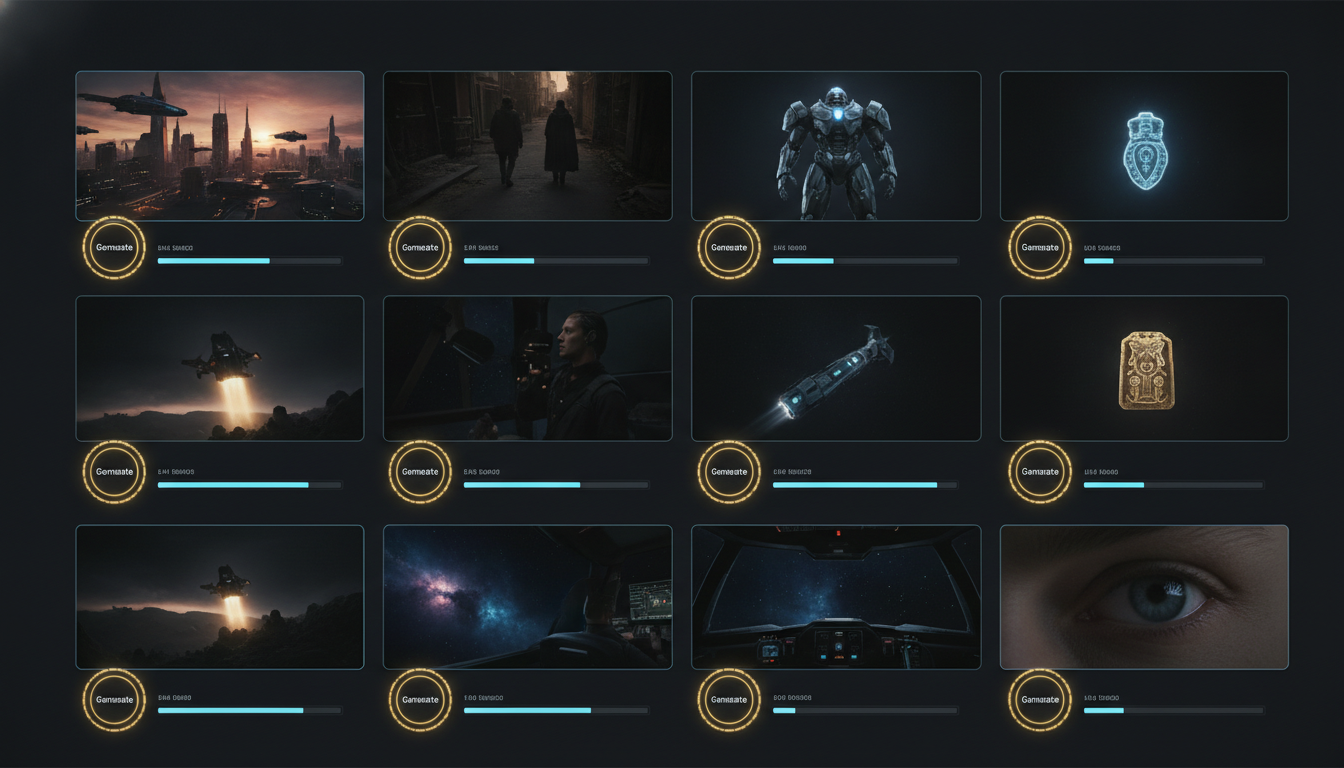
This is the moment most creators pause on. Beerolls scans your library and cuts your own clips to the script, line by line. Not stock. Not generated video. The clips you actually filmed. It reads what is in each clip and matches the closest one to each part of the script.
Step 5: Auto captions
Word by word captions, styled and timed to the voiceover automatically. No manual sync. No fixing typos from bad transcription.
Step 6: Finished reel
A completed reel appears. You watch it back, tweak anything you want, then export or post. From one line of your own to a finished reel, usually in under thirty minutes.
Why your footage matters more than stock
This is where Beerolls draws its clearest line.
Text to video tools paint your idea over stock clips and a voice that is not yours. The videos look fine on their own, but scrolled next to real footage from a real creator, they read as generic. Viewers can tell. The AI look has become its own tell, the way early autotune became a giveaway in the 2000s.
Your footage is not the raw material for someone else's tool. It is the whole reel.
A reel built from your own clips looks like your channel. The lighting matches because it is your lighting. The color grade matches because it is your camera. The people in it are the actual people in your life. Nothing about it can be mistaken for a template.
This is why Beerolls does not offer a stock library. Not because stock is bad in general, but because the whole point of a reel-making buddy built on your own footage is that the footage stays yours. The AI handles the assembly. You handle everything that makes the reel recognizably you.
How your voice stays yours
The voice on your reel matters as much as the footage. So Beerolls gives you two clear ways to keep it yours.
Option one is the simplest. Record your voiceover directly into the app. Read the script, one take, done. This is the fastest path for creators who prefer their real voice on every reel.
Option two is the voice clone. You record a short sample once, with clear consent, and Beerolls generates future voiceovers in your own voice. You do not have to record every reel from scratch. The voice is yours, cloned with your permission, deletable anytime.
A few honest details about the voice clone. It is only used to build reels you ask for. It is not used to train any public model. It is not shared with anyone. And if you decide you do not want the clone anymore, you delete it from your account and it is gone.
The point is that whichever option you pick, the reel sounds like something you would actually say, not like a synthetic voice reading a script.
What Beerolls is NOT
Being clear about what a tool does not do is often more useful than listing what it does. Beerolls is not a text to video generator. It does not create synthetic footage from prompts. It is not a stock video library. It does not replace your creative decisions about what to say or which clip to hero. It is also not a timeline editor with hundreds of transitions. If you love scrubbing timelines and dragging effects, this is not the tool for you. Beerolls is for creators who have the footage and want the middle work to stop being the bottleneck.
Who Beerolls is for
Three kinds of creators tend to click with Beerolls immediately.
The creator with a full camera roll and an empty feed
You film almost every day. The footage is good. The posting is not consistent because editing eats the time. Beerolls turns that backlog into a posting habit by removing the parts of the workflow that stop most creators from finishing.
Story driven creators
You want narrative reels with a real arc. A founder story. A three day trip. The lesson from a hard month. You do not want to learn a timeline editor or hire an editor for every reel. Beerolls handles the assembly so the narrative gets built the way you would have built it manually, faster.
Founders and solo builders
You are documenting the journey, but shipping product is the priority, not editing. You want to post in your own voice without spending a full afternoon in a video editor for each post. Beerolls fits into the gaps between product work.
If none of these three descriptions sound like you, Beerolls might not be the right tool. If you mostly do talking head reels with no B roll, or if you are making generic content designed to look like everyone else's feed, other tools will serve you better.
Start with what you already shot
The clips are already in your camera roll. The ideas are already in your head. What Beerolls provides is the workflow that connects the two without the two to three hours of manual middle work that has been keeping most of it from becoming reels.
Beerolls is currently in an invite-only beta. Request early access and we onboard creators in batches, with early beta pricing locked in for those who join now.
Open the app, drop one line of your own, and see what your footage becomes when the middle work moves out of your way. Your next 30 reels are probably already on your phone.
Marketing at Beerolls. Writes about creator workflows and how to spend less time hunting for footage.