Beerolls vs Text-to-Video Tools: Which One Fits Real Creators?
Beerolls vs text-to-video tools: what each does, where they win, and which one fits creators with real footage.
The AI video space in 2026 has become confusing enough that "AI video tool" as a phrase has almost lost its meaning. Two creators can both say they use AI to make reels and be describing completely different workflows, completely different outputs, and completely different creative outcomes.
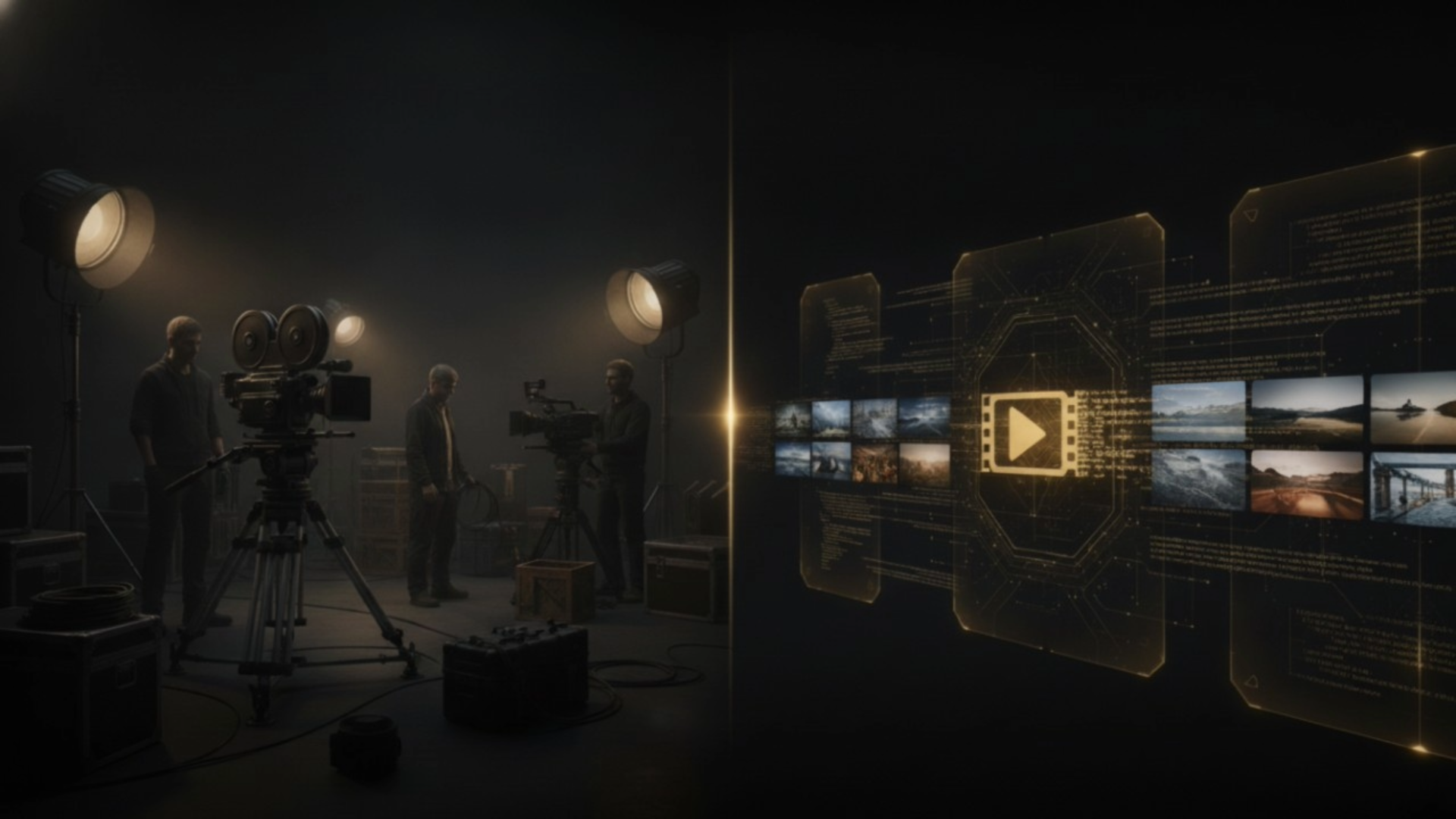
This is because AI video tools have quietly split into two fundamentally different categories that solve completely different problems. Text-to-video generators build synthetic footage from prompts. Assemblers like Beerolls organize and cut real footage from your own library. Both are "AI video," but the workflows, outputs, and use cases barely overlap.
This is a Beerolls vs text-to-video comparison written for creators trying to figure out which category actually fits how they work. What each category does well. Where each one fails. And a direct side-by-side comparison across the six dimensions that actually matter.
The two categories: generate vs assemble
Every AI video tool in 2026 belongs to one of two categories, or occasionally straddles both. Understanding the category split is more important than understanding any individual tool's features, because the category determines the entire workflow you commit to.
Generators create video from non-video inputs. You type a text prompt describing a scene. The tool synthesizes moving footage from scratch using diffusion models trained on massive video datasets. Nothing you upload. Nothing you filmed. Nothing that ever existed in the real world before you asked the tool to create it.
Assemblers organize and cut real footage you already have. You upload your camera roll or media library. You write or generate a script. The tool reads what is in each of your clips using semantic search, matches the right clips to each line of your script, and assembles a finished reel from footage that is entirely yours.
The tools inside each category are all optimizing for the same underlying job. Generators are competing to produce more realistic synthetic scenes. Assemblers are competing to make the assembly step faster, smarter, and less dependent on manual clip-hunting. But across the split, generators and assemblers are not really competing with each other. They are serving different creators making different content.
Beerolls sits firmly in the assembler category. Not because assembly is universally better, but because assembly is the workflow that actually fits how most creators film.
Text-to-video: what it does well
Being honest about where generators shine matters, because the category has real strengths that assemblers do not.
Concept mockups and previsualization
If you are pitching an idea to a client, generating a rough version of what a scene could look like before you go shoot it is genuinely useful. The generated version is not the final product, but it communicates the concept fast enough to move a project forward. This is one of the strongest legitimate use cases for text-to-video in 2026.
Abstract animation and motion graphics
For content where the audience already knows the visuals are stylized (motion graphics, dream sequences, hypothetical futures, illustration-heavy pieces), generators produce output that works. Nobody is expecting a motion graphics reel to look like real footage, so the synthetic origin of the pixels does not undermine trust.
Fictional and hypothetical scenes
Anything where the content is explicitly not documenting a real event. Short films, stylized ads, imagined scenarios, brand experiments. When the audience knows the video is not supposed to represent something that actually happened, generators do their job.
Fast concept testing at scale
For creative teams who want to test dozens of visual directions before committing to a real shoot, generators compress days of work into hours. Testing hundreds of thumbnails, ad variations, or scene compositions is faster with generation than with production.
Access to visuals you cannot film
Historical scenes, distant locations, impossible camera angles, physical impossibilities. Generators make possible content that would be impossible or prohibitively expensive to film. This is a real value the assembler category cannot match.
Text-to-video: where it fails creators
The same category that solves those problems creates other problems that show up specifically for creators trying to build audiences and brands.
The uncanny warping problem
Faces, hands, text, and logos still fail first in generated footage. The overall scene can look photorealistic while a person's fingers do not quite work or the text on a sign reads as nonsense. In 2026 these failures are less common than they were, but they still occur often enough that most generators cap single generations at 6-8 seconds to reduce the failure rate. Expect to generate 2-4 takes to get one usable clip.
The trust cost that grows every quarter
As AI-generated content proliferates on feeds, audiences are getting better at spotting it. Content Authenticity Initiative and C2PA standards are embedding provenance information into media at the point of capture. In the next 18 months, the platforms your audience uses will start displaying which videos are captured and which are generated. Creators who built brands on synthetic content will not benefit from that shift. The trust asymmetry between "real footage" and "generated" is widening, not narrowing.
The 40% manual cleanup ceiling
Even the best generation workflows leave significant manual work. Fixing warped elements, iterating on prompts that did not land, re-generating scenes that did not match the creative intent. Roughly 40% of the total work remains manual, based on research from over a hundred creator conversations. The time savings from generation are real but capped.
The "everyone's footage looks the same" problem
When multiple creators are drawing from the same generation model with similar prompts, the output starts to blur together. A travel reel generated by a text-to-video tool looks like other travel reels generated by the same tool. This is the opposite of what most creators need. Distinctiveness is what builds a brand. Generated footage flattens distinctiveness.
The credit-pool tax
Generation is computationally expensive. Most text-to-video tools price accordingly, often with multiple separate credit pools for different features (generation, upscaling, background removal, voice). Creators frequently exhaust one pool while others sit unused. The advertised subscription rarely matches what a real month of production actually costs.
No connection to your actual work
The footage sitting on your phone from the last six months of your life? Generators do not care about it. Every reel starts from a blank prompt. Which is fine if you have no footage. It is a strange sacrifice if you have hundreds of clips already.
Beerolls: assemble from your own footage
The assembler workflow flips the entire premise. Instead of asking what you want the tool to invent, it asks what you already have.
You upload the clips already sitting on your phone or hard drive. You type one line of an idea. Beerolls writes a script based on that idea in your tone. You record a voiceover in your own voice or use a voice clone made with your consent. The tool reads what is actually in each of your uploaded clips using semantic search, then pairs the closest match to each line of the script. It auto-generates captions, and gives you a finished reel in around 30 minutes.
Every visual in the finished reel is footage you actually filmed. Every word in the voiceover is either your voice or a clone of your voice. Nothing is synthetic. Nothing came from a training dataset. Nothing looks like anyone else's output because nobody else has your footage.
The assembler category, and Beerolls specifically, is built around one core insight. Most creators do not have a footage problem. They have a "finding the right clip" problem. Their camera roll already contains most of what they need. What was missing was a workflow that could match footage to script fast enough to sustain a real posting cadence.
This is why the tradeoff conversation between generators and assemblers is not really about which one has better technology. It is about which one fits how you actually make content.
| Dimension | Text-to-video generators | Beerolls (assembler) |
|---|---|---|
| Footage source | Synthesized from prompts | Your uploaded clips |
| Time per 60-sec reel | 45 min to 2 hrs (with iteration) | 25-30 min |
| Failure mode | Warped hands, faces, text | Wrong clip match (fixable in seconds) |
| Best for | Concept, fictional, abstract content | Personal, tutorial, brand, founder content |
| Trust with audience | Declining as detection tools grow | Not affected by AI-detection shift |
| Voice option | Generic AI voices or clones | Your own voice or your consented clone |
| Iteration cost | High (multiple generations to get one clip) | Low (swap wrong clips from a shortlist) |
| Output distinctiveness | Flattens as model usage scales | Distinct because footage is unique to you |
| Ownership | Model-generated, unclear provenance | Yours, verifiably so |
The table makes the split concrete. Generators optimize for scenarios where you do not have footage and need to invent it. Beerolls optimize for scenarios where you have footage and need to use it faster.
Neither approach is universally better. The right choice depends entirely on what kind of content you actually make and what kind of creator you actually are.
Which one fits your workflow
The decision framework is simpler than the marketing on either side of this category makes it sound. Ask yourself two questions honestly.
Question 1: How much footage do you already have?
If your camera roll has more than 100 clips from the last few months of filming, you have a footage bank most creators would envy. The bottleneck for you is not creating more footage. It is using what you already have. Assemblers fit this situation because they turn your existing library into a searchable, reel-ready asset.
If your camera roll is empty because your content does not require filming (motion graphics work, abstract content, hypothetical scenarios), generators fit. There is nothing to assemble because there is no source material. Generation is the only option.
Question 2: Does your audience expect real or invented visuals?
Personal brands, founder content, tutorials, product content, and any documentary-style storytelling live in the "audience expects real" camp. Generated visuals in these categories break the format because they contradict the trust promise the content is making. Assemblers fit.
Motion graphics, abstract animation, brand experiments, and stylized ads live in the "audience expects invented" camp. Generated visuals here match the format. Generators fit.
Question 3 (tiebreaker if the first two do not resolve): How much cleanup work can you sustain?
Generation workflows require significant iteration. If your production schedule tolerates 2-4 tries per clip and 40% manual cleanup on the final output, generators are viable. If you need to publish consistently at scale, that iteration cost compounds fast and the assembler workflow is dramatically more sustainable.
The mistake most creators make is picking a category based on which one sounds most impressive in demos, then trying to force their content to fit the tool. The right order is the opposite. Look at your content. Look at your footage. Look at your audience. Then pick the category that actually serves what you are making.
For most creators building personal brands or documenting real work, that means assemblers. For creators making concept-heavy or abstract content, that means generators. The tools inside each category will keep evolving. The category split is what matters.
If you have footage sitting unused and a posting schedule you can barely sustain, an assembler like Beerolls is the workflow worth trying. If you are inventing content from scratch and need synthetic visuals, a generator is the right category. Both are legitimate approaches to AI video in 2026. Neither is universally right for every creator. What matters is picking on purpose instead of by accident, and doing that requires knowing which category actually serves your content.
Marketing at Beerolls. Writes about creator workflows and how to spend less time hunting for footage.